> ## Documentation Index
> Fetch the complete documentation index at: https://docs.mosaic.so/llms.txt
> Use this file to discover all available pages before exploring further.
# 2.2 Sign Up & Set Up
> Get started with Mosaic in minutes
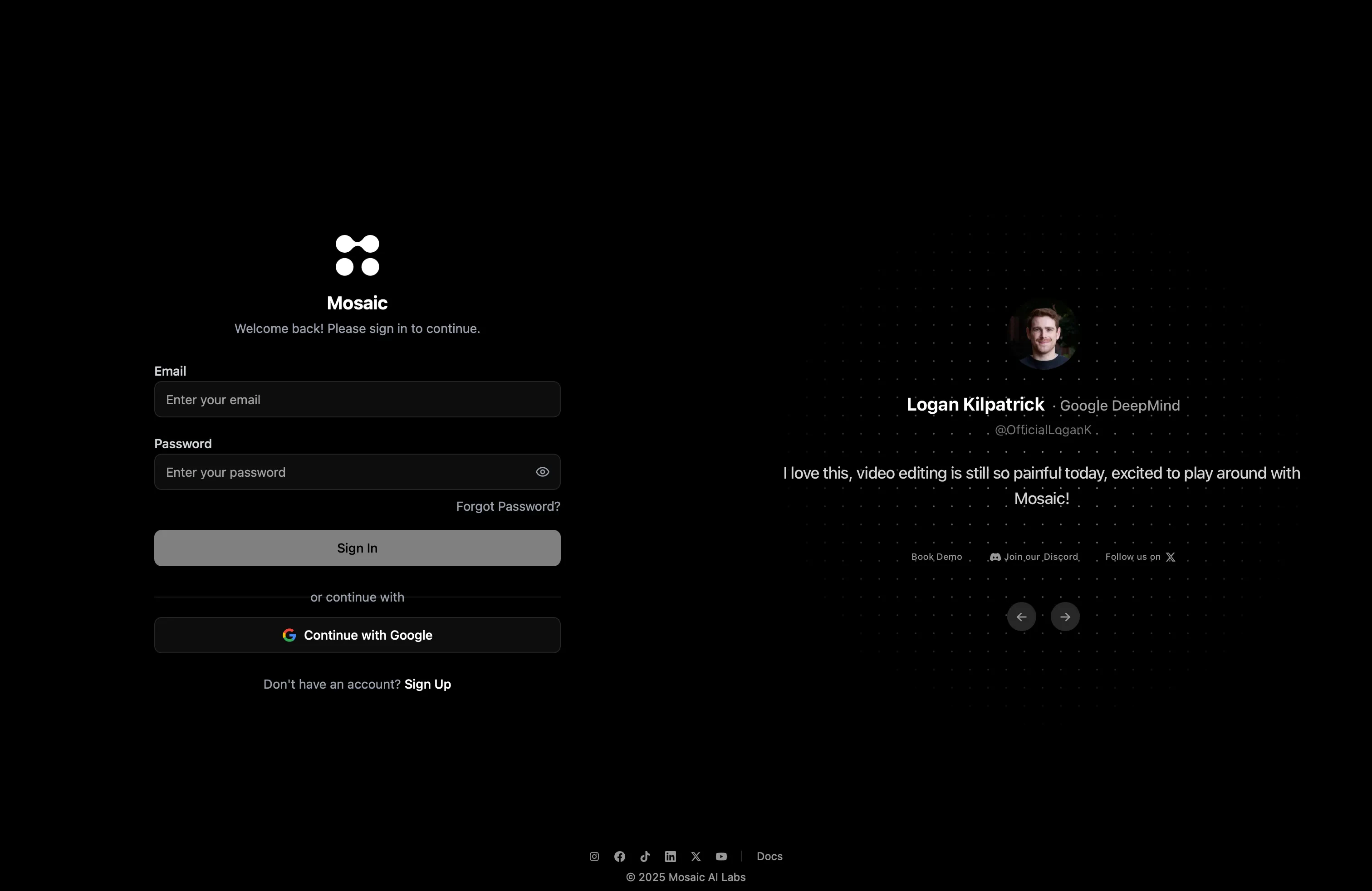 Getting started takes less than a minute:
Open [**edit.mosaic.so**](https://edit.mosaic.so) in your browser — no downloads or installs needed.
Sign up using Google or email, then verify your email address.
You'll arrive at your **Mosaic Canvas** — your visual workspace where all editing happens.
That's it — no installers, no plugins, no messy setup. You're ready to build your first workflow.
Learn what you can do on the canvas and how to start editing
Getting started takes less than a minute:
Open [**edit.mosaic.so**](https://edit.mosaic.so) in your browser — no downloads or installs needed.
Sign up using Google or email, then verify your email address.
You'll arrive at your **Mosaic Canvas** — your visual workspace where all editing happens.
That's it — no installers, no plugins, no messy setup. You're ready to build your first workflow.
Learn what you can do on the canvas and how to start editing