> ## Documentation Index
> Fetch the complete documentation index at: https://docs.mosaic.so/llms.txt
> Use this file to discover all available pages before exploring further.
# 9. Clips
> Automatically extract short, standalone clips from a longer video for social platforms.
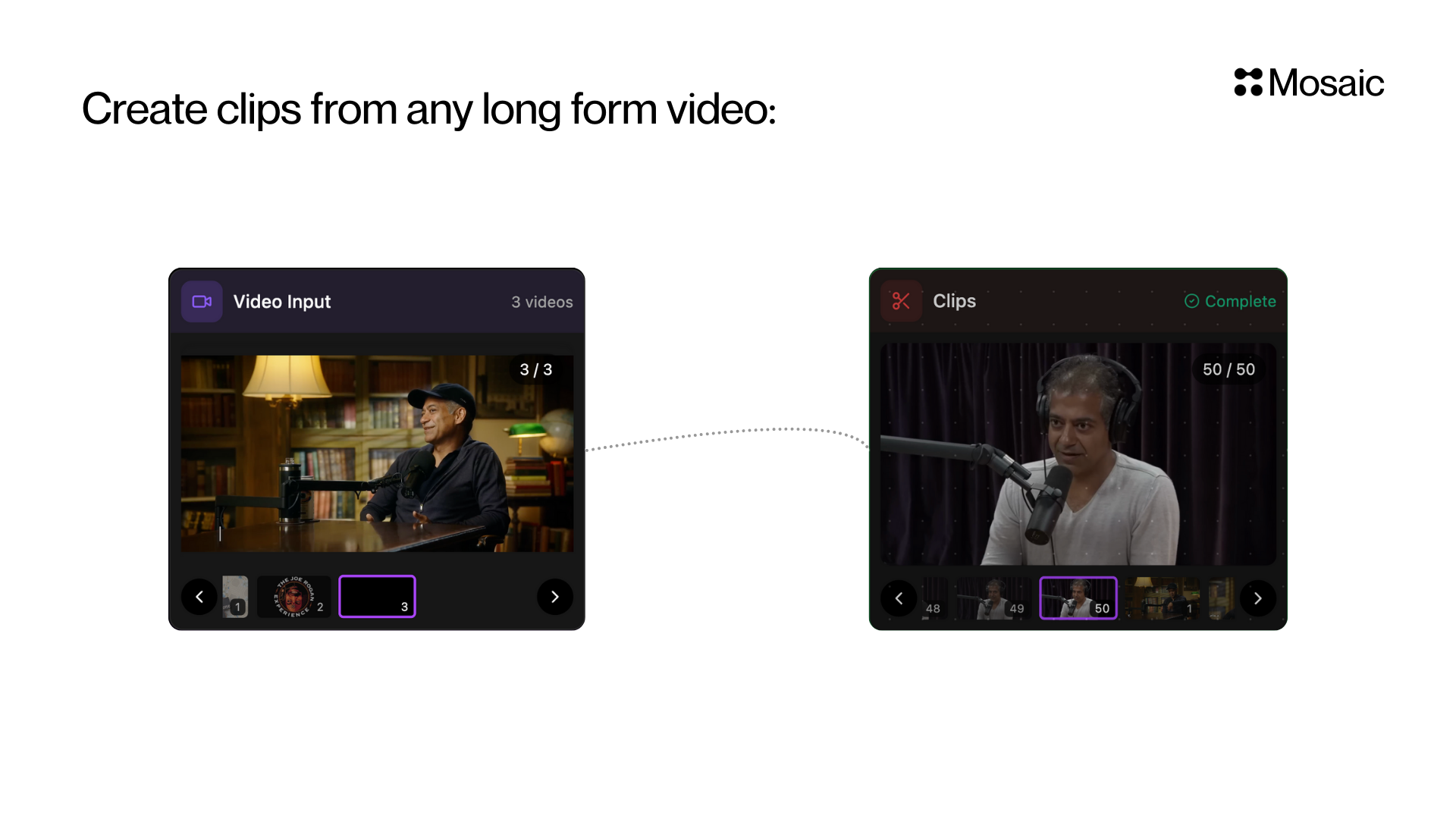
Automatically extract short, standalone clips from a longer video. These clips are moments that can be shared directly on social platforms or used in editing workflows.
This tile is ideal for repurposing podcasts, interviews, webinars, or speaking content into short-form highlights.
## How It Works
Mosaic scans your video and finds segments that contain interesting, insightful, funny, emotional, or impactful moments.
You can:
* **Let Mosaic decide** what's interesting, or
* **Guide it** using your own prompt (optional)
Each clip becomes an individual video you can send to other tiles (like Reframe or Captions) or export directly.
 ## Input Options
### 1. Prompt (Optional)
> *"Write what kind of video you want to create"*
Use this if you want specific types of clips.\
Examples:
* "Educational tips and insights"
* "Funny reactions"
* "Motivational quotes"
* "Controversial takes or debates"
* "Moments explaining frameworks or concepts"
If you leave it **empty**, Mosaic will return a variety of interesting moments by default.
### 2. Number of Clips (max)
Set how many clips you want.\
Example: `10` → returns up to 10 clips.
If unsure, **set a number higher than you need** and filter later.
### 3. Duration Range (Optional)
Set hard minimum and maximum clip lengths in seconds.
Examples:
* `min_duration: 15`, `max_duration: 45` for short social clips
* `min_duration: 30`, `max_duration: 120` for longer commentary clips
If you leave these empty, Mosaic infers the preferred length from your prompt and chooses natural standalone clips.
## Best Use Cases
Use the Clips tile when you want to quickly generate short videos from long footage, such as:
* Podcasts → TikTok/Reels/Shorts
* Interviews → Highlight moments
* Webinars → Key insights
* Reaction videos → Funny parts
* Commentary streams → Shareable segments
***
## API Info
* **Node ID:** `bcc5cb04-76b7-48e9-a344-0e8a29c19be0`
### Node params
| Param | Type | Required | Default | Notes |
| -------------- | ------------------ | -------- | ------- | -------------------------------------------------------------------------------------- |
| `prompt` | `string` | No | `""` | Optional selection guidance for clip scoring/ranking. Empty = all interesting moments. |
| `num_clips` | `number` | No | unset | Requested number of clips (integer, 1–20). |
| `min_duration` | `number` (seconds) | No | unset | Hard minimum clip duration. |
| `max_duration` | `number` (seconds) | No | unset | Hard maximum clip duration. |
### Parameter groups
* **Selection guidance:** `prompt`
* **Output sizing:** `num_clips`, `min_duration`, `max_duration`
### Runtime notes
* If `min_duration` and `max_duration` are omitted, backend infers duration intent from the prompt.
* If `min_duration` or `max_duration` is set, it is treated as a hard final clip requirement.
* If `num_clips` is omitted, backend returns the shippable clips it finds instead of forcing a fixed count.
### Example
```json theme={null}
{
"prompt": "Extract punchy educational tips with clear hooks",
"num_clips": 8,
"min_duration": 30,
"max_duration": 90
}
```
## Input Options
### 1. Prompt (Optional)
> *"Write what kind of video you want to create"*
Use this if you want specific types of clips.\
Examples:
* "Educational tips and insights"
* "Funny reactions"
* "Motivational quotes"
* "Controversial takes or debates"
* "Moments explaining frameworks or concepts"
If you leave it **empty**, Mosaic will return a variety of interesting moments by default.
### 2. Number of Clips (max)
Set how many clips you want.\
Example: `10` → returns up to 10 clips.
If unsure, **set a number higher than you need** and filter later.
### 3. Duration Range (Optional)
Set hard minimum and maximum clip lengths in seconds.
Examples:
* `min_duration: 15`, `max_duration: 45` for short social clips
* `min_duration: 30`, `max_duration: 120` for longer commentary clips
If you leave these empty, Mosaic infers the preferred length from your prompt and chooses natural standalone clips.
## Best Use Cases
Use the Clips tile when you want to quickly generate short videos from long footage, such as:
* Podcasts → TikTok/Reels/Shorts
* Interviews → Highlight moments
* Webinars → Key insights
* Reaction videos → Funny parts
* Commentary streams → Shareable segments
***
## API Info
* **Node ID:** `bcc5cb04-76b7-48e9-a344-0e8a29c19be0`
### Node params
| Param | Type | Required | Default | Notes |
| -------------- | ------------------ | -------- | ------- | -------------------------------------------------------------------------------------- |
| `prompt` | `string` | No | `""` | Optional selection guidance for clip scoring/ranking. Empty = all interesting moments. |
| `num_clips` | `number` | No | unset | Requested number of clips (integer, 1–20). |
| `min_duration` | `number` (seconds) | No | unset | Hard minimum clip duration. |
| `max_duration` | `number` (seconds) | No | unset | Hard maximum clip duration. |
### Parameter groups
* **Selection guidance:** `prompt`
* **Output sizing:** `num_clips`, `min_duration`, `max_duration`
### Runtime notes
* If `min_duration` and `max_duration` are omitted, backend infers duration intent from the prompt.
* If `min_duration` or `max_duration` is set, it is treated as a hard final clip requirement.
* If `num_clips` is omitted, backend returns the shippable clips it finds instead of forcing a fixed count.
### Example
```json theme={null}
{
"prompt": "Extract punchy educational tips with clear hooks",
"num_clips": 8,
"min_duration": 30,
"max_duration": 90
}
```