

1
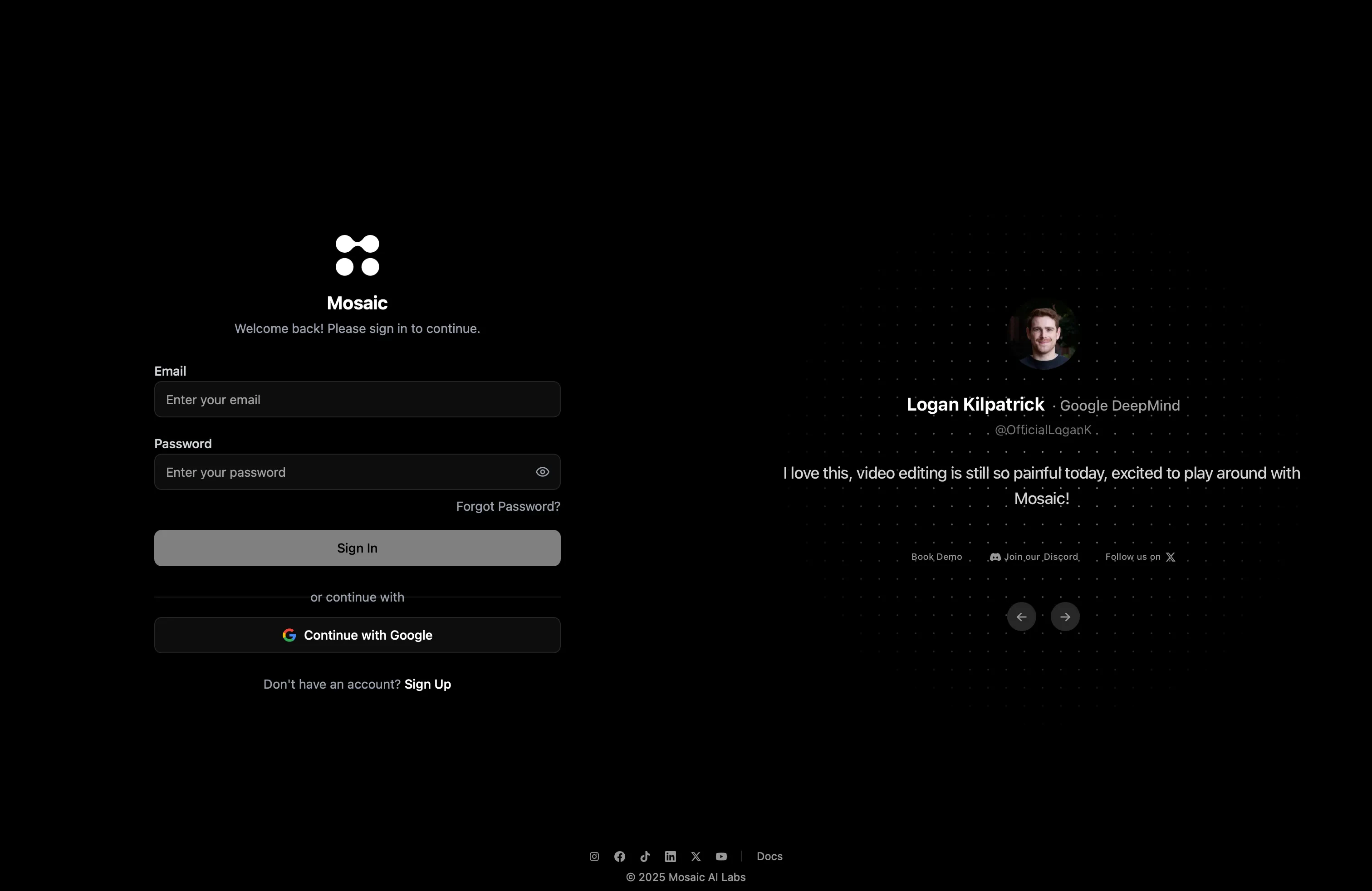
Go to edit.mosaic.so
Open edit.mosaic.so in your browser — no downloads or installs needed.
2
Create your account
Sign up using Google or email, then verify your email address.
3
Land on your Canvas
You’ll arrive at your Mosaic Canvas — your visual workspace where all editing happens.
Next: Explore Your Video Canvas
Learn what you can do on the canvas and how to start editing