

How It Works
The Watermark tile places an image overlay (logo or watermark) on top of your final video. You can use Mosaic’s default branding or upload your own logo for custom branding.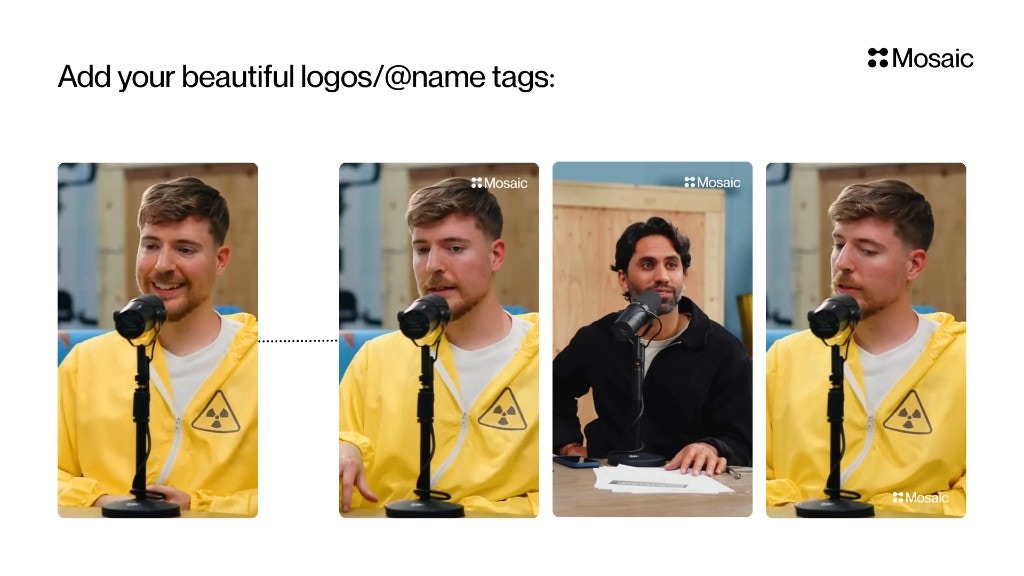
Input & Settings
Logo Source
Choose one:- Use Mosaic Logo — Quick default branding
- Use Custom Logo — Upload your own PNG/JPG (recommended for creators & brands)
Position
Pick where the watermark should appear. Common presets include:- Bottom Right (default)
- Bottom Left
- Top Right
- Top Left
Size
Adjusts logo size as a percentage of video width.Example from screenshot:
- 30% of width → medium branding
Opacity
Controls visibility (0–100%).Examples:
- 20–40% → subtle watermark
- 70–100% → strong visible branding
Margin
Adds spacing (in pixels) from the video edges to avoid clipping or interference with captions.API Info
Node Params & API Details
Node Params & API Details
- Node ID:
6808af58-2d9a-4e3b-aacb-2d9c143b7729
Node params
Parameter groups
- Logo source:
use_custom_logo,image_id - Placement & sizing:
logo_position,logo_size,logo_opacity,logo_margin_x,logo_margin_y
Scenario requirements
- If
use_custom_logo="custom", provide a valid image UUID inimage_id.
Runtime notes
- Backend validates
image_idand fetches source dimensions before composing placement. - Existing watermark-related tracks are removed/replaced by the new operation.