

How It Works
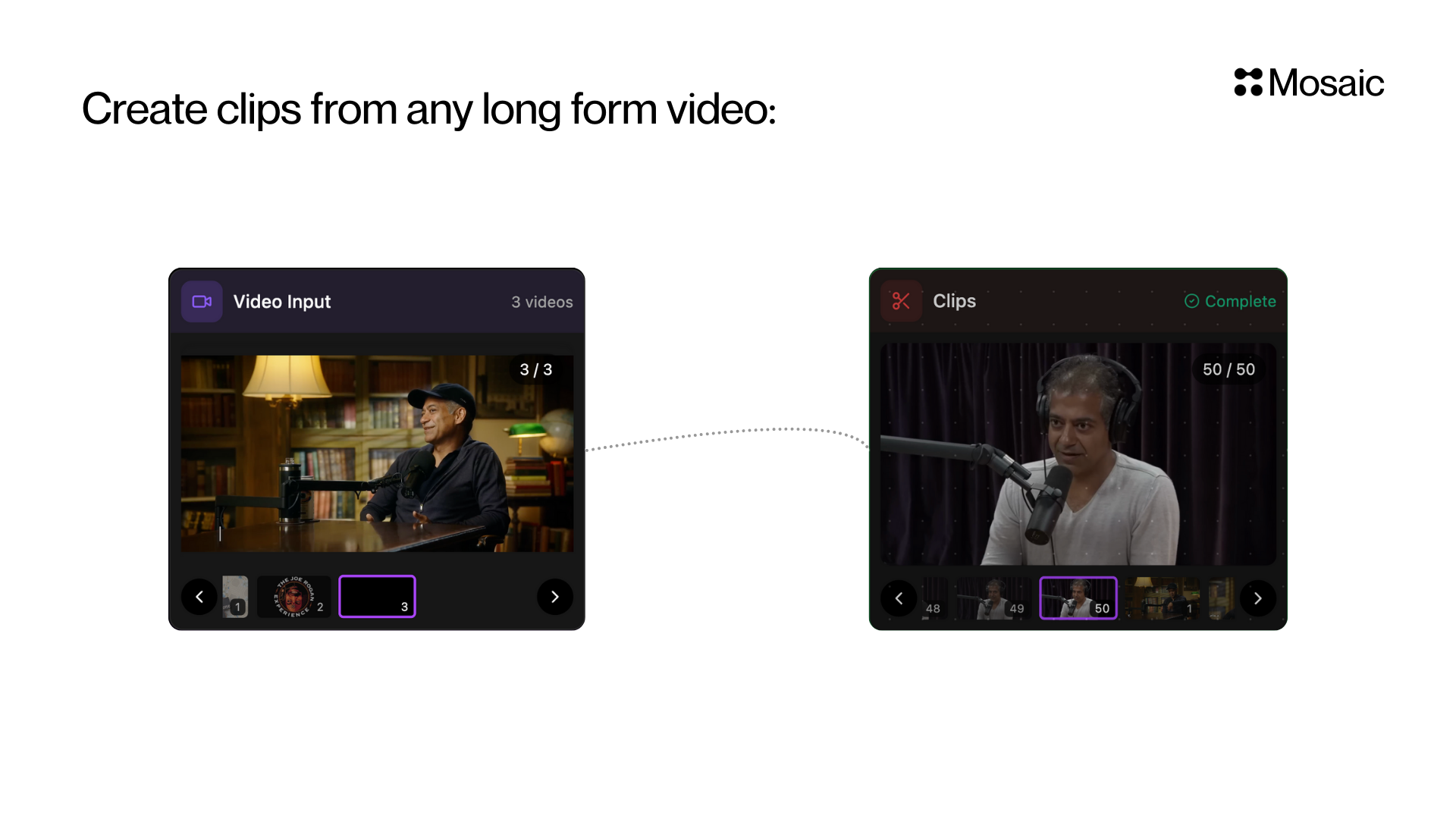
Mosaic scans your video and finds segments that contain interesting, insightful, funny, emotional, or impactful moments. You can:- Let Mosaic decide what’s interesting, or
- Guide it using your own prompt (optional)
Input Options
1. Prompt (Optional)
“Write what kind of video you want to create”Use this if you want specific types of clips.
Examples:
- “Educational tips and insights”
- “Funny reactions”
- “Motivational quotes”
- “Controversial takes or debates”
- “Moments explaining frameworks or concepts”
2. Number of Clips (max)
Set how many clips you want.Example:
10 → returns up to 10 clips.
If unsure, set a number higher than you need and filter later.
3. Duration Range (Optional)
Set hard minimum and maximum clip lengths in seconds. Examples:min_duration: 15,max_duration: 45for short social clipsmin_duration: 30,max_duration: 120for longer commentary clips
Best Use Cases
Use the Clips tile when you want to quickly generate short videos from long footage, such as:- Podcasts → TikTok/Reels/Shorts
- Interviews → Highlight moments
- Webinars → Key insights
- Reaction videos → Funny parts
- Commentary streams → Shareable segments
API Info
Node Params & API Details
Node Params & API Details
- Node ID:
bcc5cb04-76b7-48e9-a344-0e8a29c19be0
Node params
Parameter groups
- Selection guidance:
prompt - Output sizing:
num_clips,min_duration,max_duration
Runtime notes
- If
min_durationandmax_durationare omitted, backend infers duration intent from the prompt. - If
min_durationormax_durationis set, it is treated as a hard final clip requirement. - If
num_clipsis omitted, backend returns the shippable clips it finds instead of forcing a fixed count.