

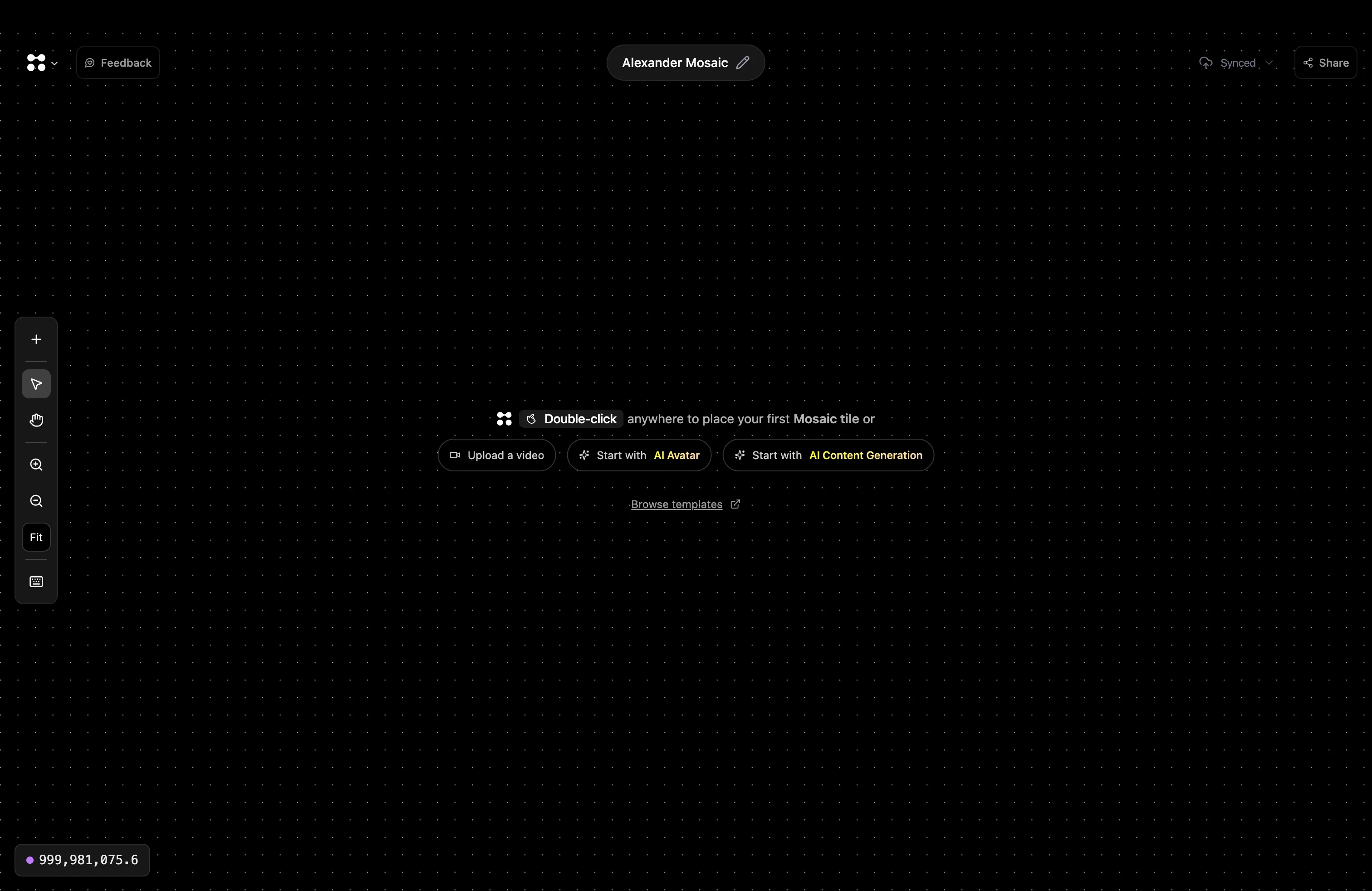
- Upload footage — drag and drop or use the Video Input tile
- Add tiles — double-click anywhere to open the tile picker
- Preview results — watch outputs directly in the canvas
- Branch workflows — create multiple edits from the same source
- Re-run anytime — tweak settings and run again instantly
- Share or export — publish to platforms or download your files
How Tiles Work
Understand the building blocks of every workflow
Browse Templates
Start with a pre-built workflow and customize it