

9:16 or 1:1) while keeping the subject in view.
This is essential for repurposing videos across different platforms without manually cropping, zooming, or tracking faces.
How It Works
The Reframe tile analyzes your footage and automatically chooses the best framing for each moment. It outputs a new lossy video render with the reframing baked in, so downstream tiles receive a normal video with no crop keyframes to preserve. Reframe always keeps blurred/letterboxed padding enabled when it needs to preserve more of the source frame. This is especially useful for zoom-out moments where a tight crop would lose important context.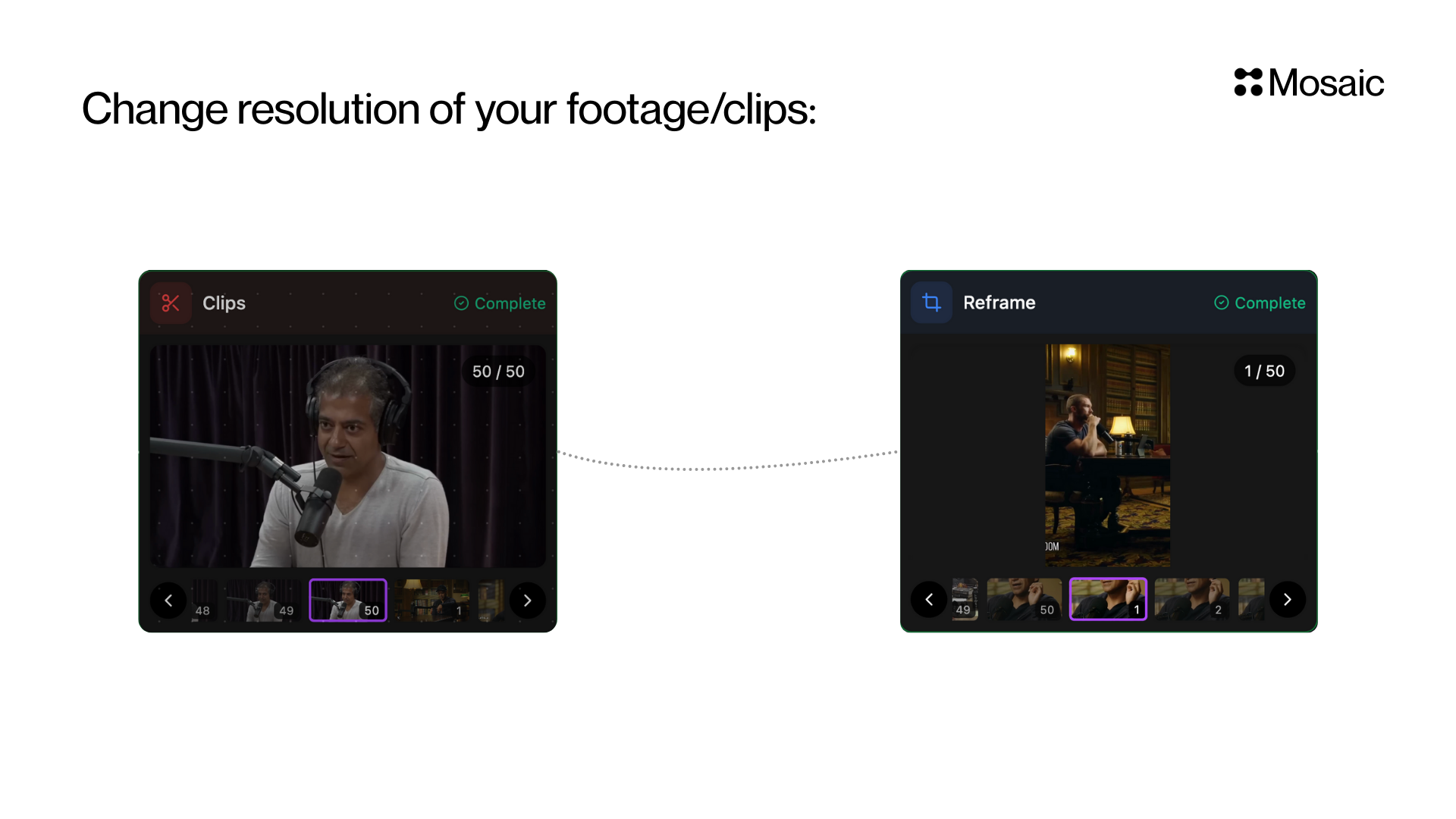
Input & Settings
1. Shape (Required)
Select the output shape of your video. Options:- 9:16 (Portrait) — TikTok, Reels, Shorts
- 1:1 (Square) — Instagram Feed, Facebook
2. Zoom Out
Enable or disable zoom-out framing. When enabled, Reframe can choose to show more of the source frame instead of cropping tightly. Padding stays enabled either way; disabling zoom-out only prevents zoom-out segments from being used.3. Dual Crop
For9:16, Reframe can optionally use a stacked dual-crop layout for moments such as split-screen conversations or two important subjects. For 1:1, dual crop is always disabled.
API Info
Node Params & API Details
Node Params & API Details
- Node ID:
0e3a90e4-173f-42fc-b7ef-0df6a062e26c
Node params
Parameter groups
- Output framing:
shape - Framing behavior:
zoom_out_enabled,allow_dual_crop,static_reframe_mode
Runtime notes
- Padding is always enabled and is not user-configurable.
- Framing decisions are automatic and adapt to the content of the video.
- Safe-zone and graphics-avoidance controls are not exposed in this tile.
- Existing nodes with older
aspectoraspect_ratiosettings continue to work.1:1stays square; any older unsupported ratios are coerced to9:16.