

How It Works
The Mirror tile applies a flip transformation to your entire video. You choose whether to flip horizontally, vertically, or both.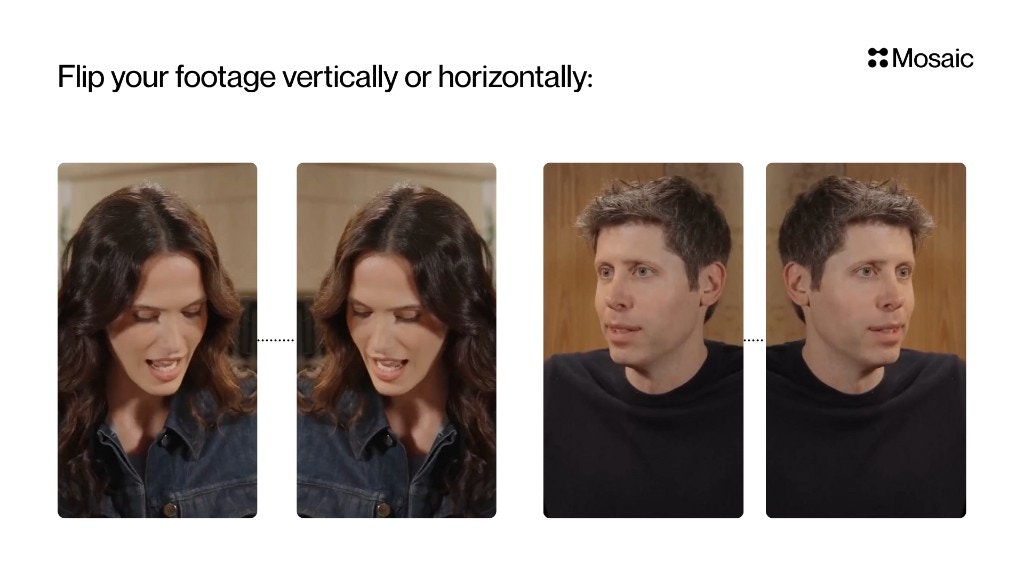
Input and Settings
Horizontal Flip
Mirrors the video left ↔ right. Use cases:- Fix mirrored webcam footage
- Correct orientation when text/screen is reversed
- Creative reflections or symmetrical effects
Vertical Flip
Mirrors the video top ↕ bottom. Use cases:- Creative effects
- Stylized edits
- Inverted scene looks